
Polls will be created as a set of questions before the session starts, and will have to be linked to an Agenda Item. When set as Draft, only the host will be able to see the item and will have the option to set it Live, directly from the session
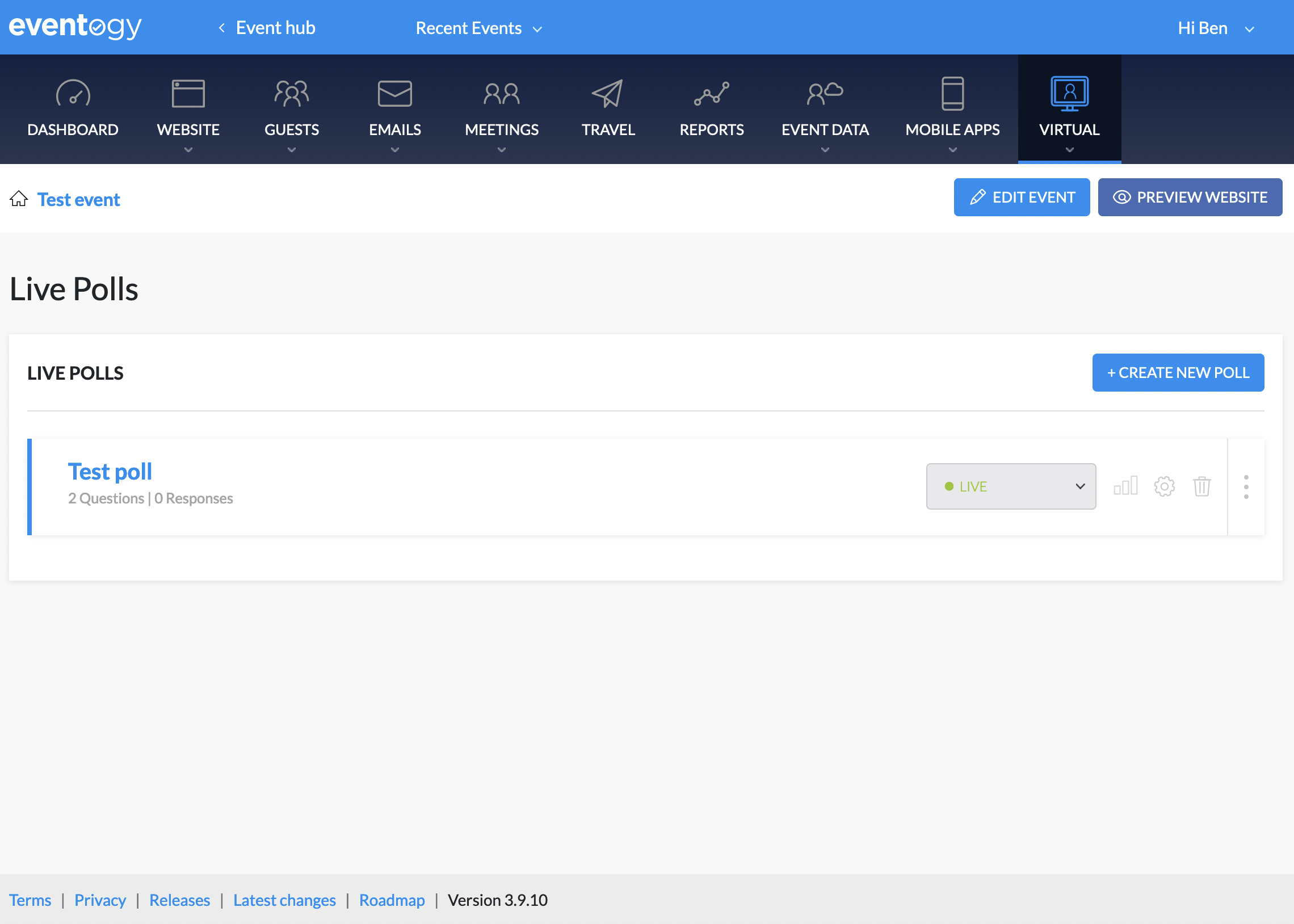
Adding live poll
-
Click on the
+ Create new poll, this will bring up the following screen:

-
Here you can set the title of the poll and the status
Adding poll questions
-
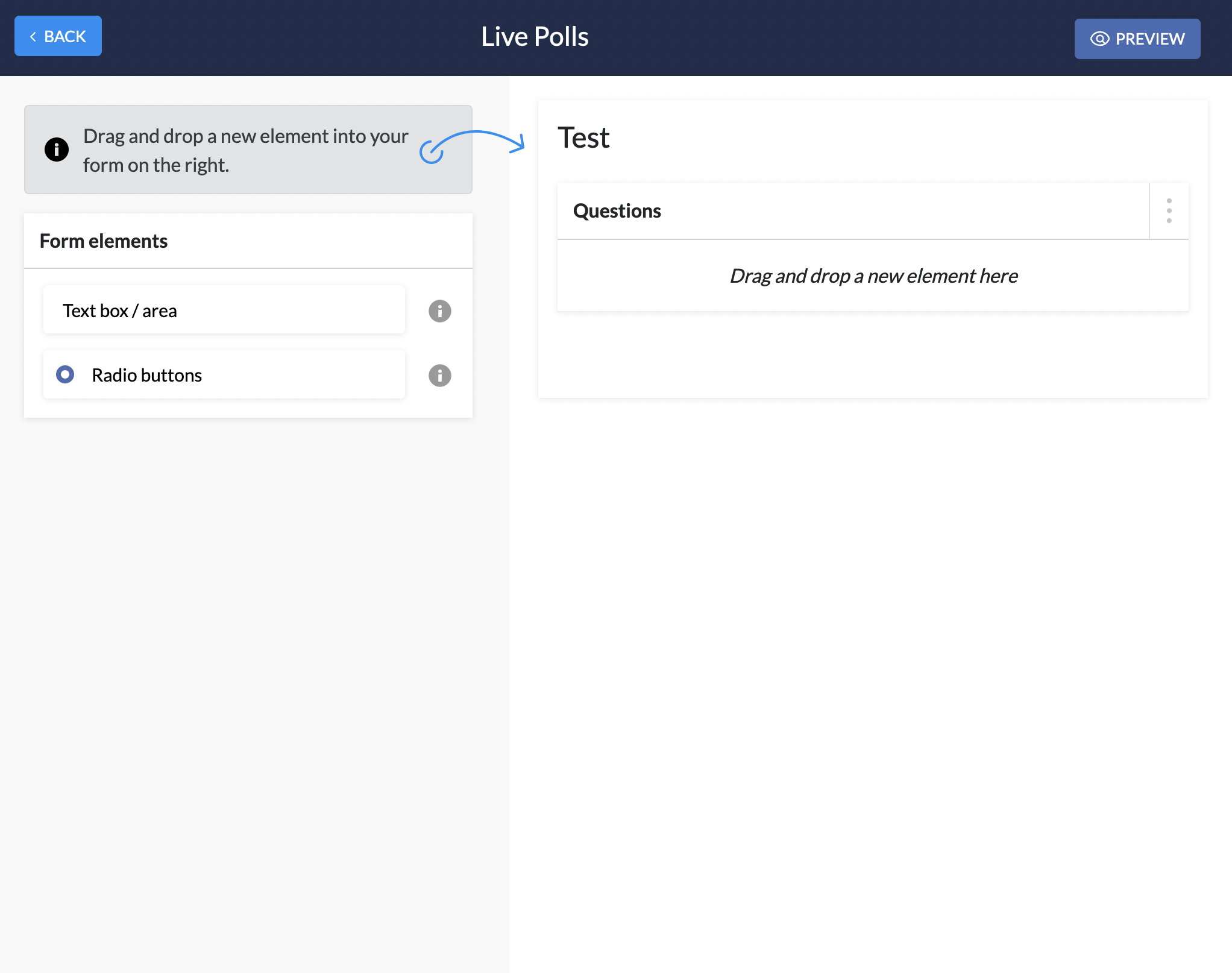
To add to a poll you will need to click on the newly created poll, you should see the following page:
-
Here you can add new questions or edit existing questions
-
Text box / area: This is a free text input
-
Radio buttons: This is a set of radio buttons where guests can select the appropriate option
-
Linking Live poll to virtual agenda item
-
You will need to navigate to the website pages and click on the agenda page
-
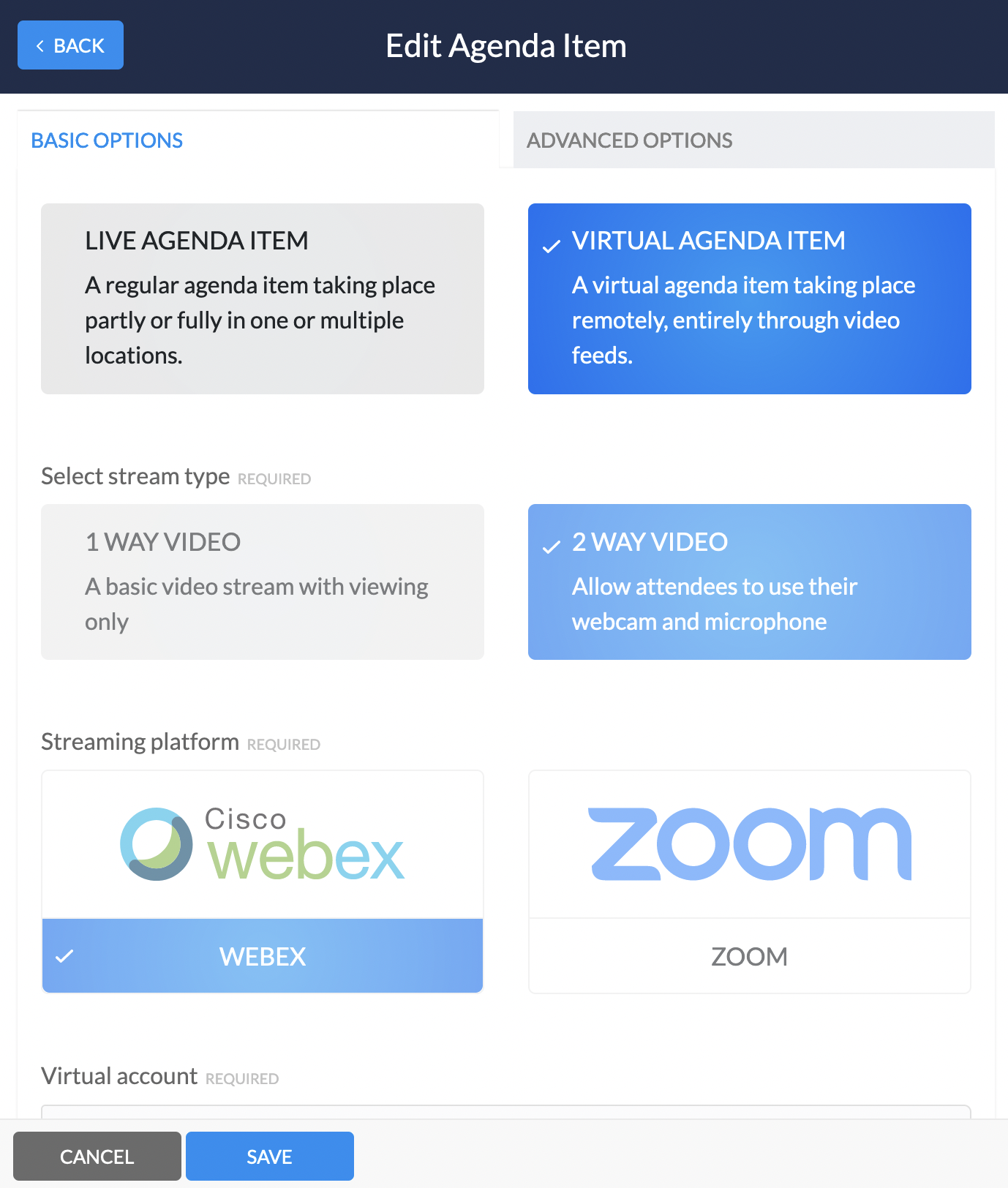
A slider will open with all the current agenda items, from here you will need to click on the virtual agenda item you wish to link to. You should see the following:
-
Here you will need to click on
Advanced options -
On the advanced options scroll down to
Linked Live Polls, this live poll will now be available to guests within the chosen virtual agenda item
Comments
0 comments
Article is closed for comments.