
PDF documents can be uploaded as a resource for the sessions, and linked to an Agenda item as needed
Virtual document:
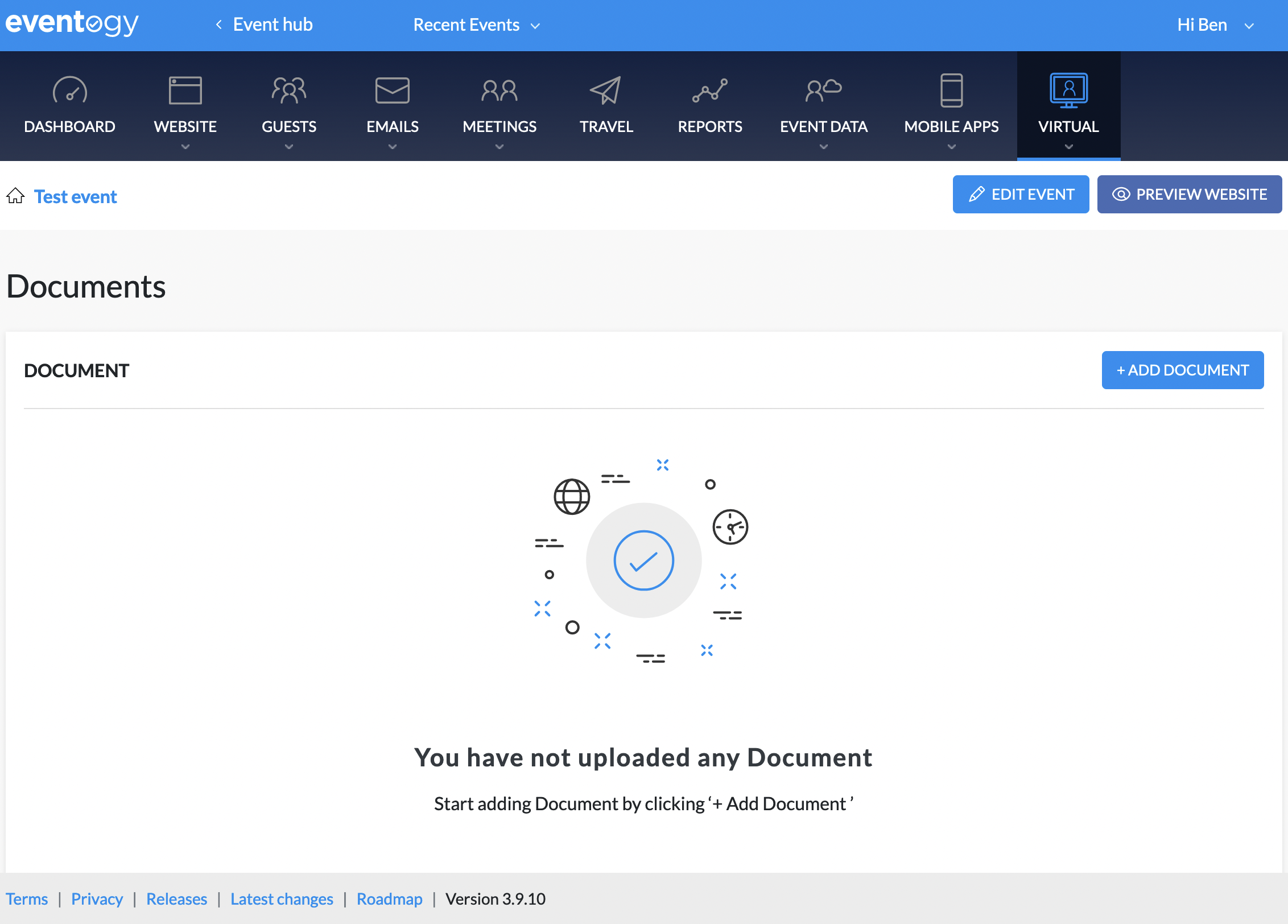
Add document
-
Click on
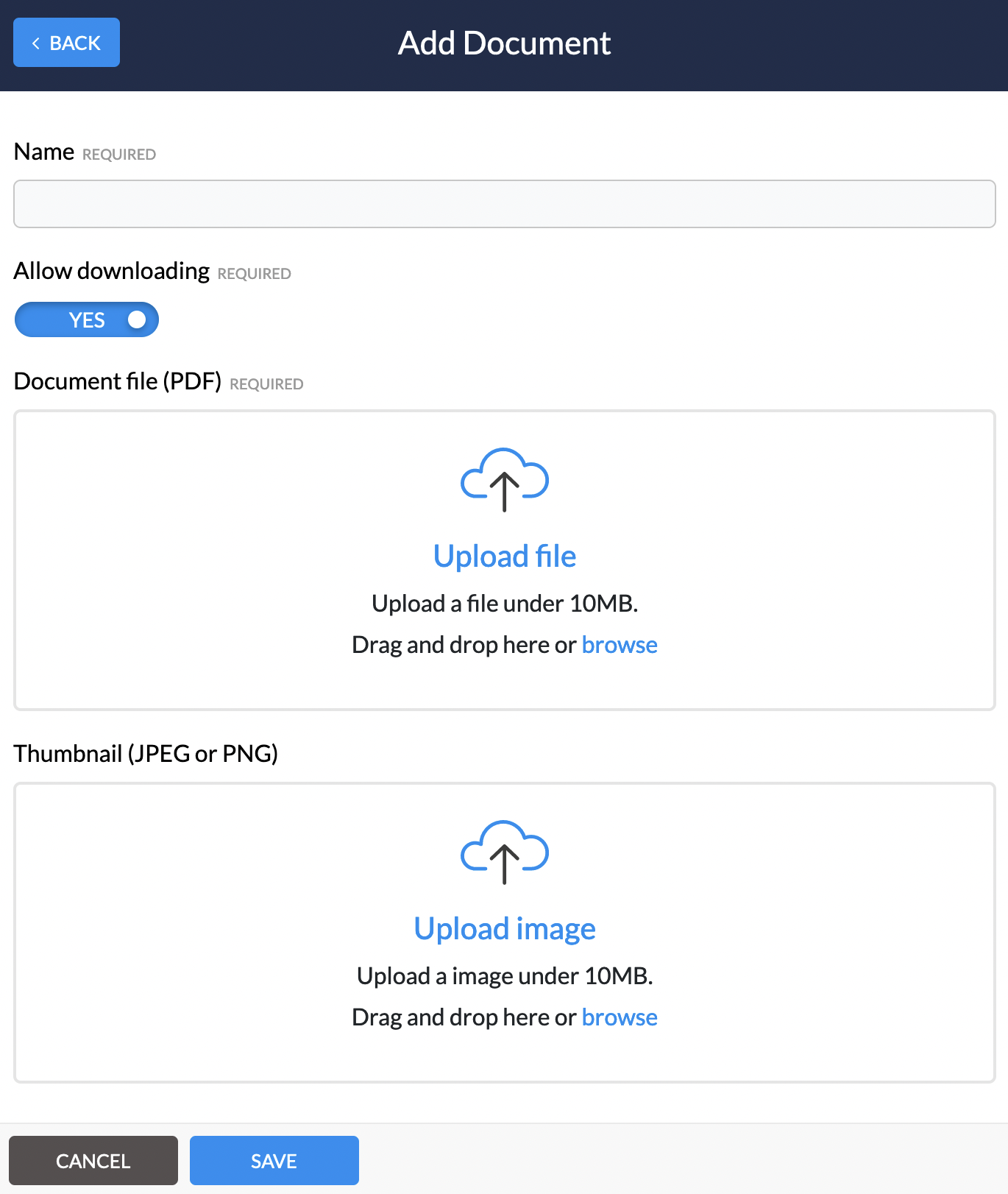
+ Add documentyou will see the following
-
Here you can set the following:
-
Name
-
Allow downloading
-
Document file
-
Thumbnail
-
Linking document to virtual agenda item
-
You will need to navigate to the website pages and click on the agenda page
-
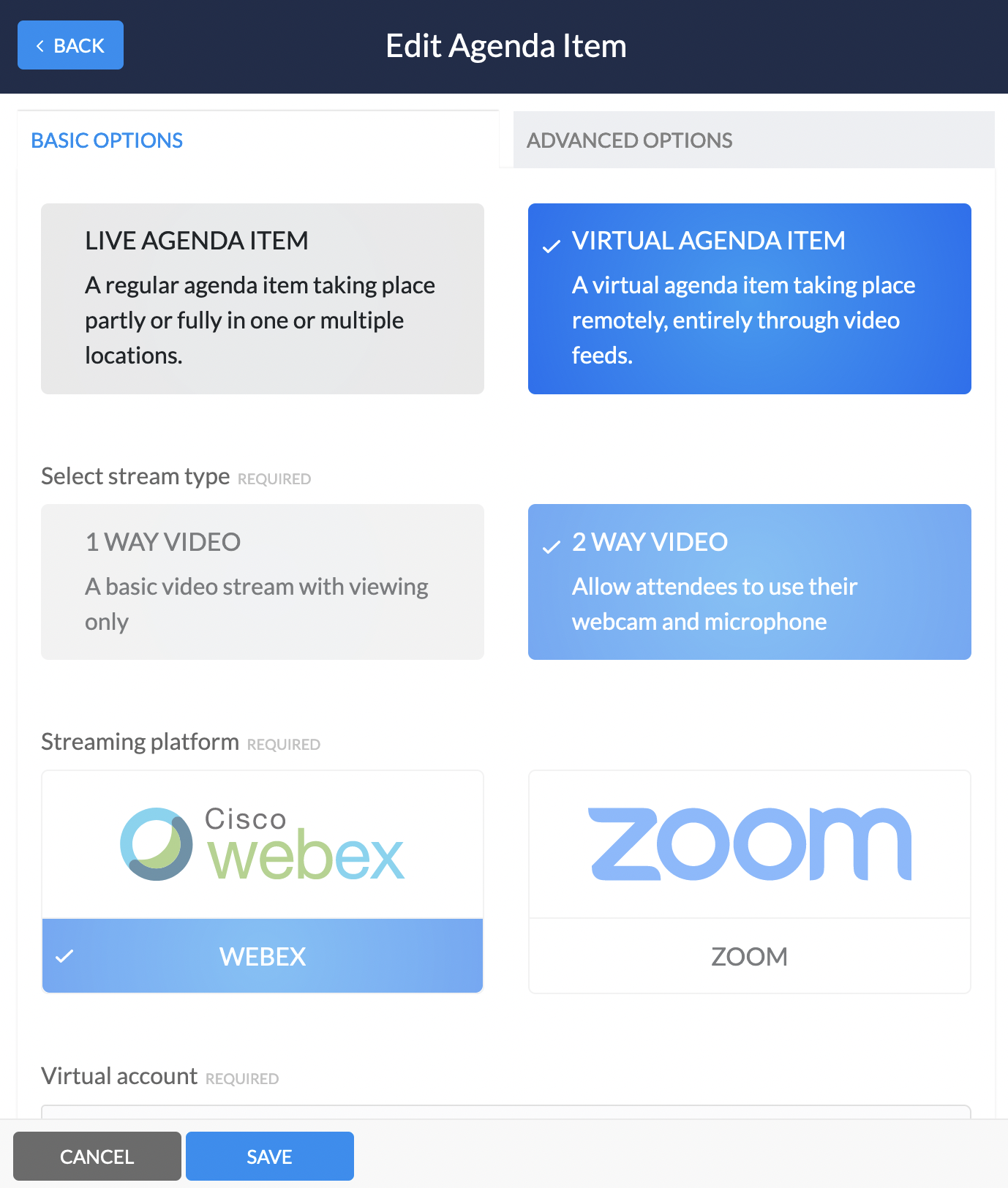
A slider will open with all the current agenda items, from here you will need to click on the virtual agenda item you wish to link to. You should see the following:
-
Here you will need to click on
Advanced options -
On the advanced options scroll down to
Linked documents, this document will now be available to guests within the chosen virtual agenda item
Comments
0 comments
Article is closed for comments.