
Similar to the Live Polls, question categories will have to be created before the sessions starts and linked to the appropriate Agenda Item. Questions can be moderated and the option to submit anonymous ones can be enabled. Questions can be approved or archived and each category can be sent as an open link from the “Present” button
Q&A:
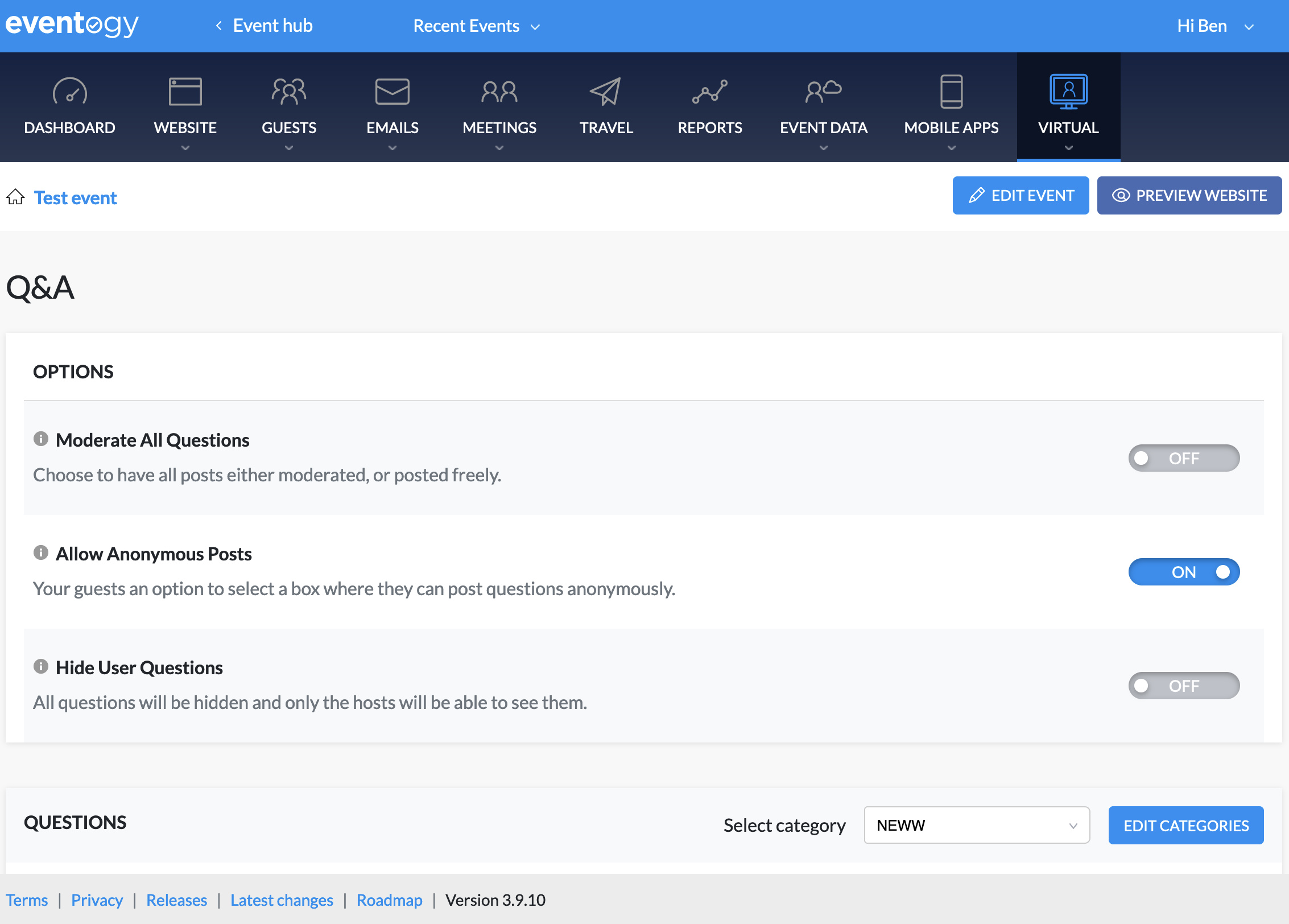
In order for Q&A to be accessible on a virtual agenda item you will need to create a category and then link the category to the virtual agenda item
Creating category
-
Click on the
Edit categoriesbutton, you should see the following:

-
On this screen click on
+ Add Category, you should see the following screen:
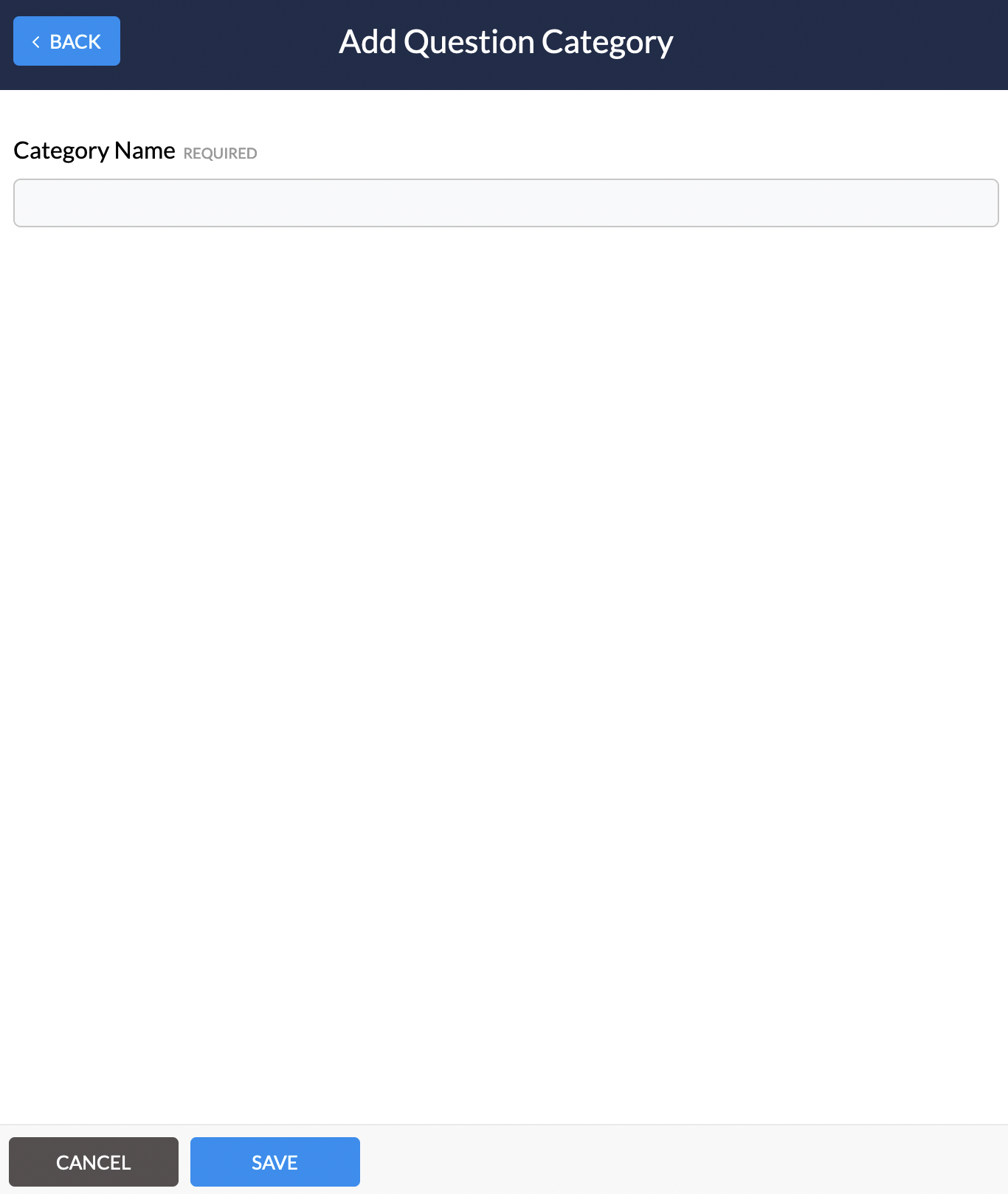
-
Here you can input the name of the new category and click on
save
Linking Q&A category to virtual agenda item
-
You will need to navigate to the website pages and click on the agenda page
-
A slider will open with all the current agenda items, from here you will need to click on the virtual agenda item you wish to link to. You should see the following:

-
Here you will need to click on
Advanced options -
On the advanced options scroll down to
Linked Question Categories, this category will now be available to guests within the chosen virtual agenda item
Comments
0 comments
Article is closed for comments.