
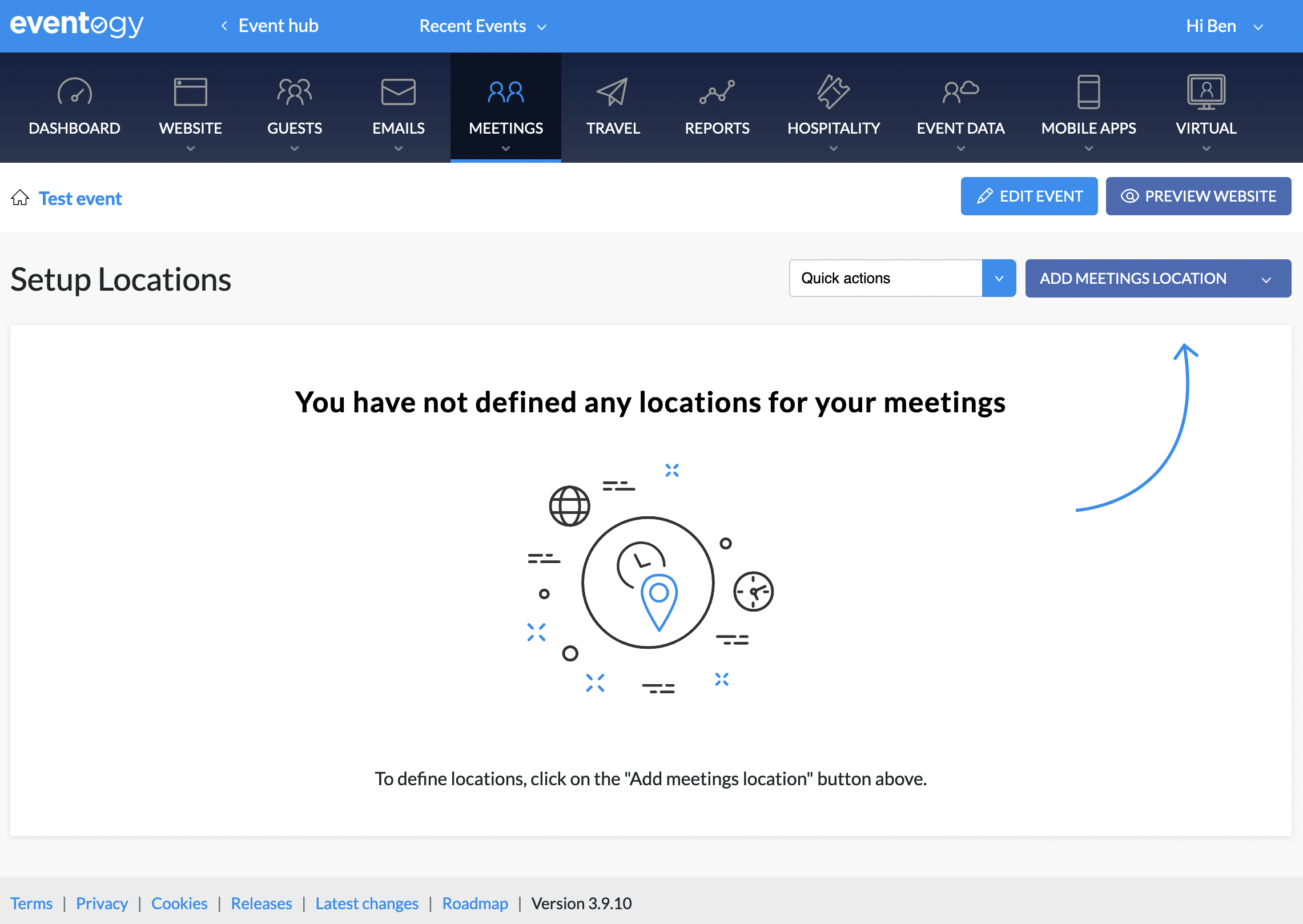
This is where all possible meetings locations are defined. From this list they can then be assigned to particular timeslots when editing the Issuer in question
-
Location name: The reference name of the location. This will be publicly viewable on the schedules. For in-person events this could be something like “Room 123”. For virtual it’s often the name of the issuer this location will be used for, but it can be anything the client wants
-
Room capacity: For information and reporting purposes only
-
Location link: The original way of setting a link to a location. Any link set here will automatically appear on the schedules (PDF and on the website) for the user to click through to. If the timeslot is also available on the virtual area, then this link will also be used for that.
-
Dial in details: Will appear below the location link on schedules
-
Virtual settings
-
Virtual platform: For deeper integration into the platform, Webex or Zoom can be chosen here
-
Other controls will allow the linking of a particular license and set out the permissions needed for the meeting. More info in the virtual docs, I guess?
-
Comments
0 comments
Article is closed for comments.