
The Virtual Settings for each event are covered by two main categories: Content and Settings and Statistics.
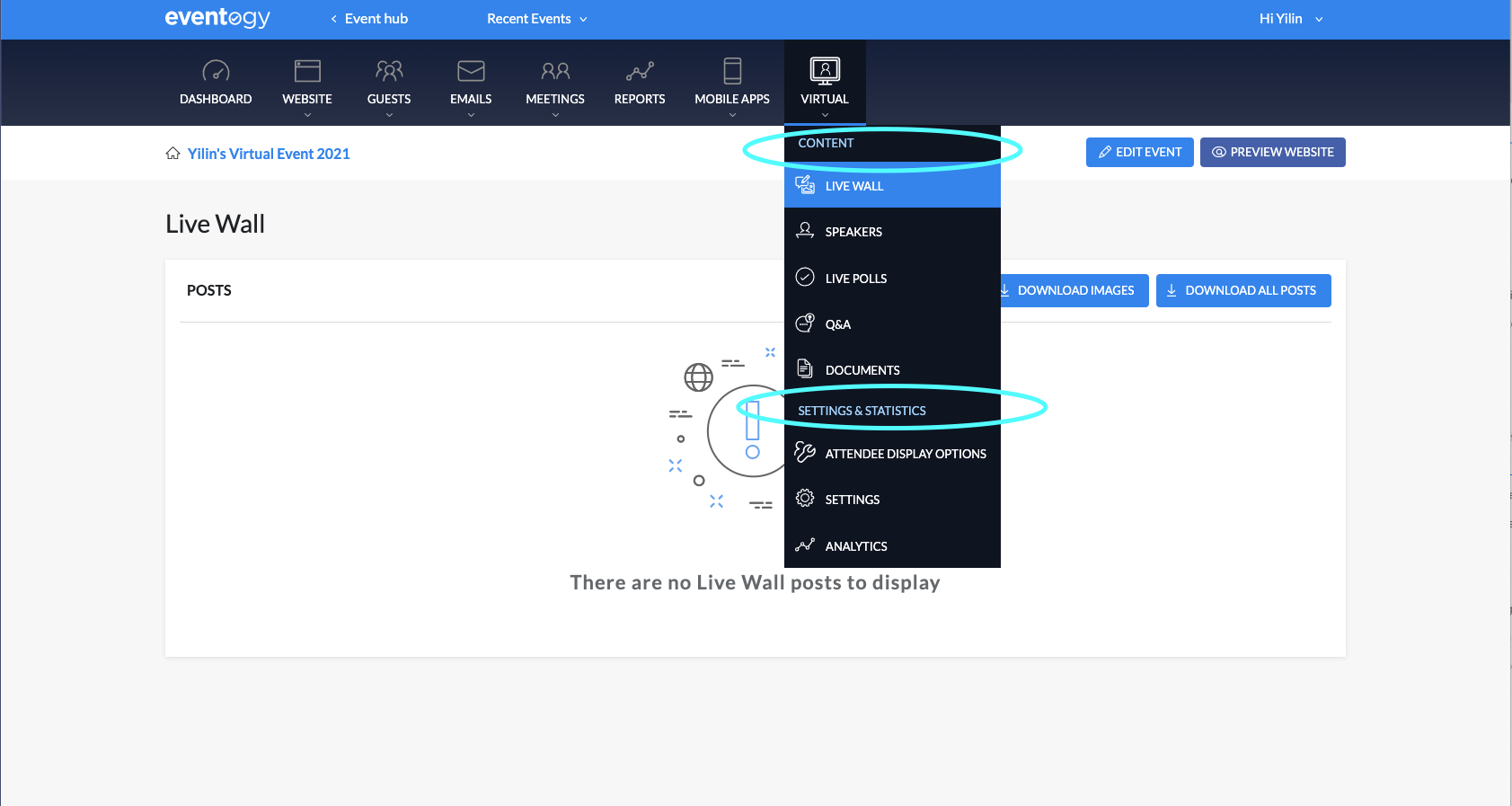
Content
The content area serves as a place to both set-up new content for the Virtual Module (Speakers, Live Polls, Documents), but also review and moderate content generated by the users during the event (Live Wall, Live Polls, Q&A).
Live Wall
Or the Social Feed, sits in the Virtual Lobby, and serves as a place for attendees to share notes, questions, images with each other. The Live Wall can be moderated, meaning an admin would have to approve each posts before they show up in the feed. All posts and pictures can be downloaded from this section.
Speakers
A formatted way of displaying any speakers for the event. Multiple categories can be created, and different card sizes define how they are displayed. Each speaker can also be linked to an Agenda Item, from the Linked Speakers advanced options.
Live Polls
Polls will be created as a set of questions before the session starts, and will have to be linked to an Agenda Item. When set as Draft, only the host will be able to see the item and will have the option to set it Live, directly from the session.
Questions and Answers
Similar to the Live Polls, question categories will have to be created before the sessions starts and linked to the appropriate Agenda Item. Questions can be moderated and the option to submit anonymous ones can be enabled. Questions can be approved or archived and each category can be sent as an open link from the “Present” button.
Documents
PDF documents can be uploaded as a resource for the sessions, and linked to an Agenda item as needed.
Settings and Analytics
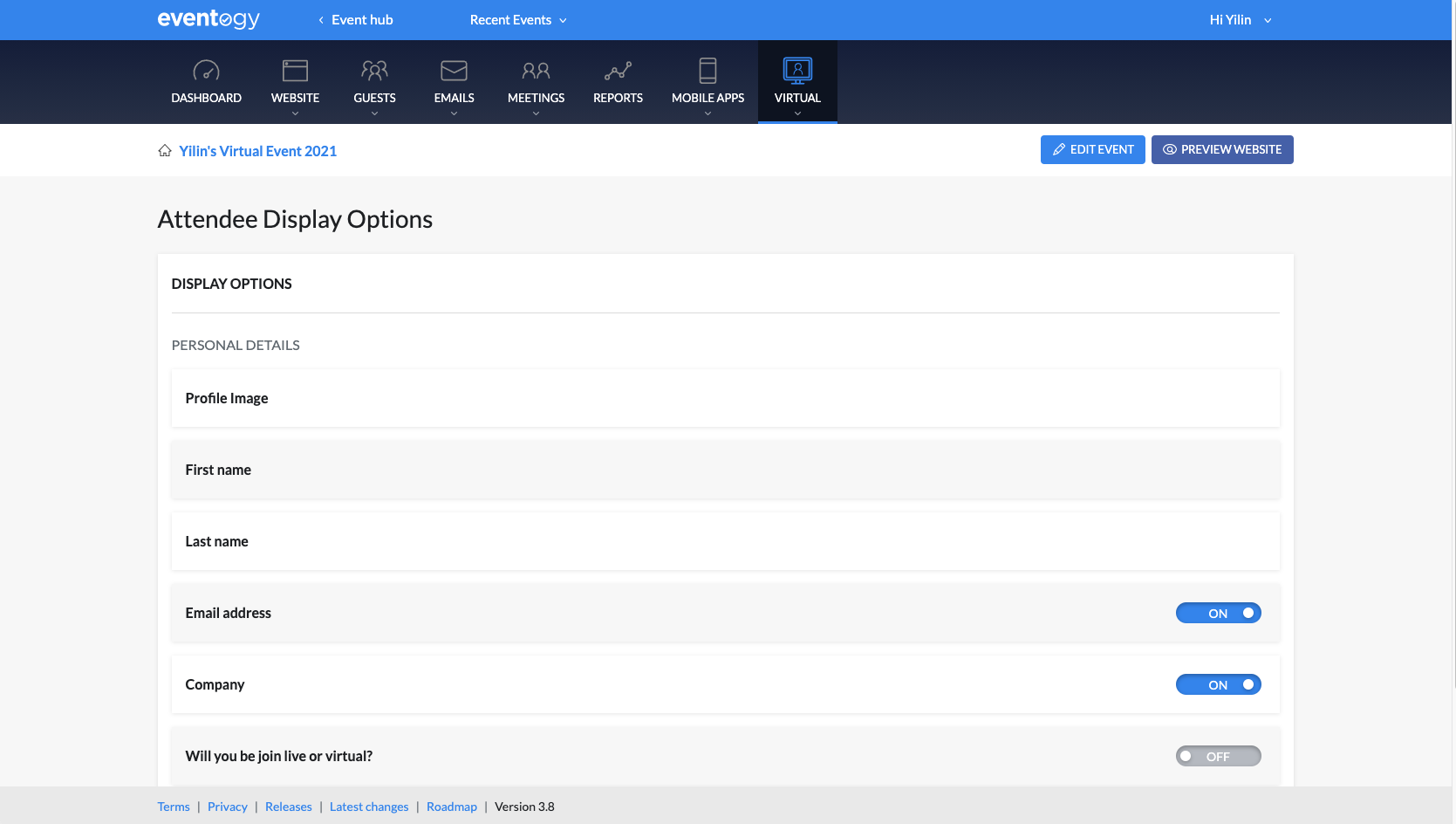
Attendee Display Options
Enable which registration fields will show up in the attendee details pop-up. Profile picture, First name and Last name will always be enabled as a minimum.
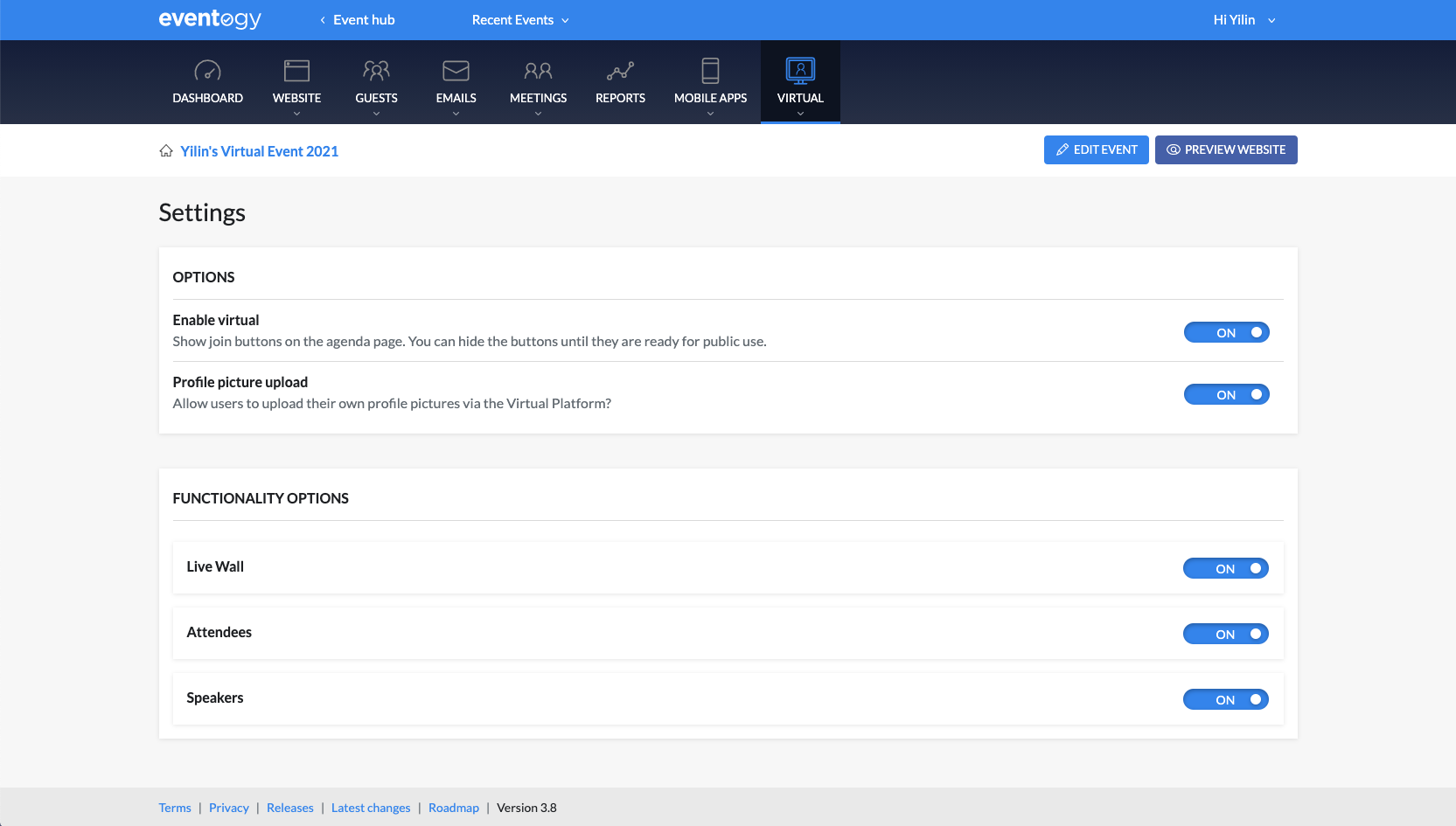
Settings
Various settings, including if the launch virtual button is shown, if attendees are allowed to upload their profile picture, and which modules are active for this event (Live Wall, Attendees, Speakers).
Comments
0 comments
Article is closed for comments.